


Owners of old USB flash drives must fully format or physically destroy them before recycling, experts at Engadget explained. High prices for memory and storage make discarding functional drives seem unusual, but many users keep outdated drives that are too slow or small to remain useful.
Engadget experts warned that simply deleting files from an old storage device does not remove them permanently. Standard deletion only marks the space as available for new data, leaving tax documents, scanned identification cards, and confidential files vulnerable to recovery through specialized software if the drive falls into stranger hands.
A full formatting process is recommended prior to recycling because it checks the storage device for bad sectors and overwrites existing data. This extra step takes longer than a quick format, but it significantly hinders future file recovery efforts.
Formatting process on Windows and Mac
Formatting a USB flash drive, external solid-state drive, or hard drive does not require additional software installations on Windows or Mac operating systems. Users must transfer all essential files to a secure location before initiating the procedure.
On Windows systems, users should plug in the device and open File Explorer. Select This PC in the side menu, locate the drive under Devices and drives, right-click the icon, select Format, and uncheck the Quick Format box.
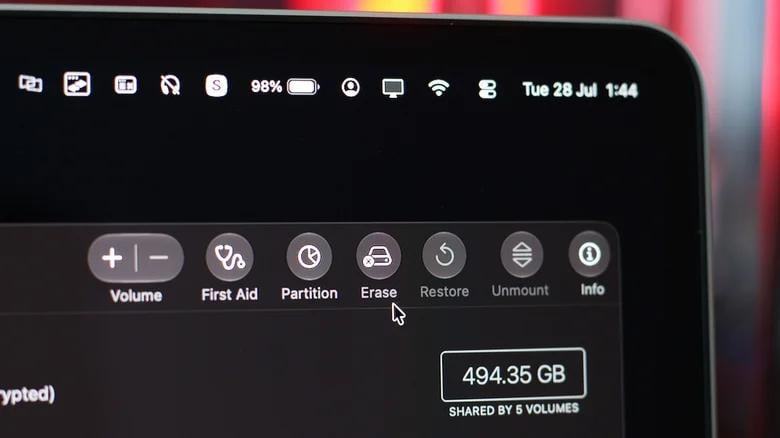
On Mac computers, users can utilize Apple built-in tools by opening Finder, navigating to Applications, selecting Utilities, and opening Disk Utility. From there, select the target drive in the sidebar menu and click Erase.
Physical destruction of drive chips
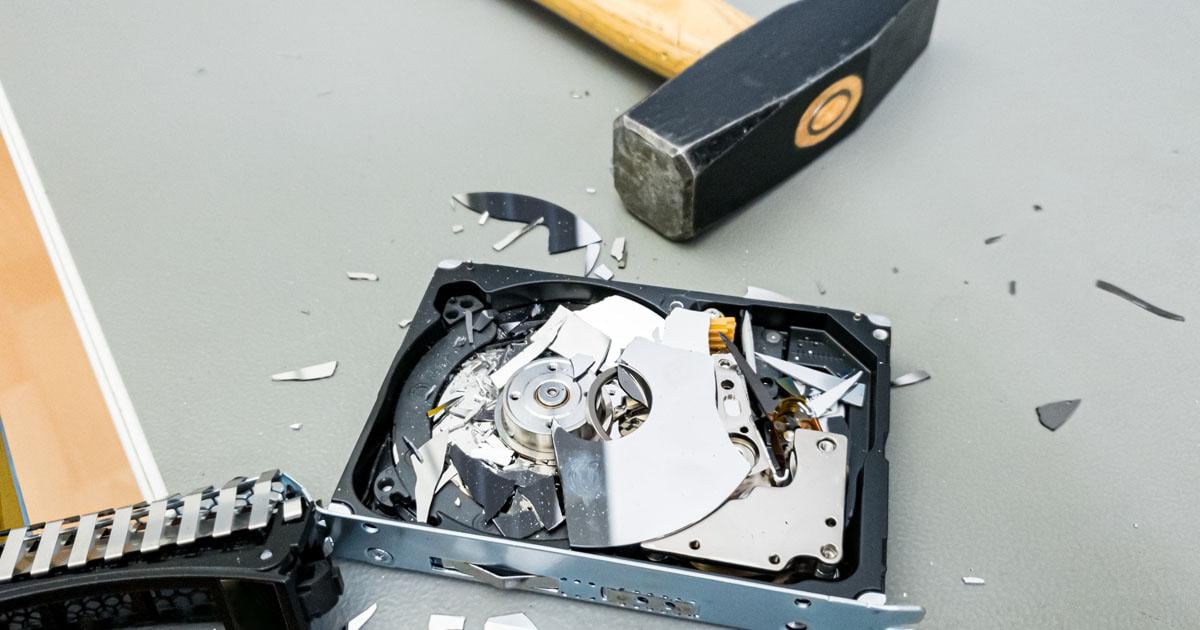
Physical destruction offers the most reliable protection for drives containing highly sensitive information. Mechanical hard drives can be rendered unusable by damaging their outer casing and the internal recording platters.
Solid-state drives and USB flash drives store information on memory chips mounted to a printed circuit board. Users seeking to physically destroy a flash drive must open the casing to access these small black rectangular components and damage them with a tool such as a drill.
Safety precautions are necessary during physical destruction. While hard drives, solid-state drives, and USB flash drives do not contain hazardous battery chemicals, breaking the casing can scatter sharp metal and fiberglass debris.
Devices can be safely brought to electronics retailers or specialized e-waste recycling centers once data is erased or the chips are destroyed. Experts emphasized that users should never throw away flash drives immediately after basic file deletion without taking steps to protect their personal privacy.
Engadget experts also previously detailed whether unused flash drives can fail over time and cause data loss, alongside guidance on which old cables should be kept or discarded.


