

Journalists at the website How-To Geek have published advice listing several ways for users to increase their computer built-in memory.
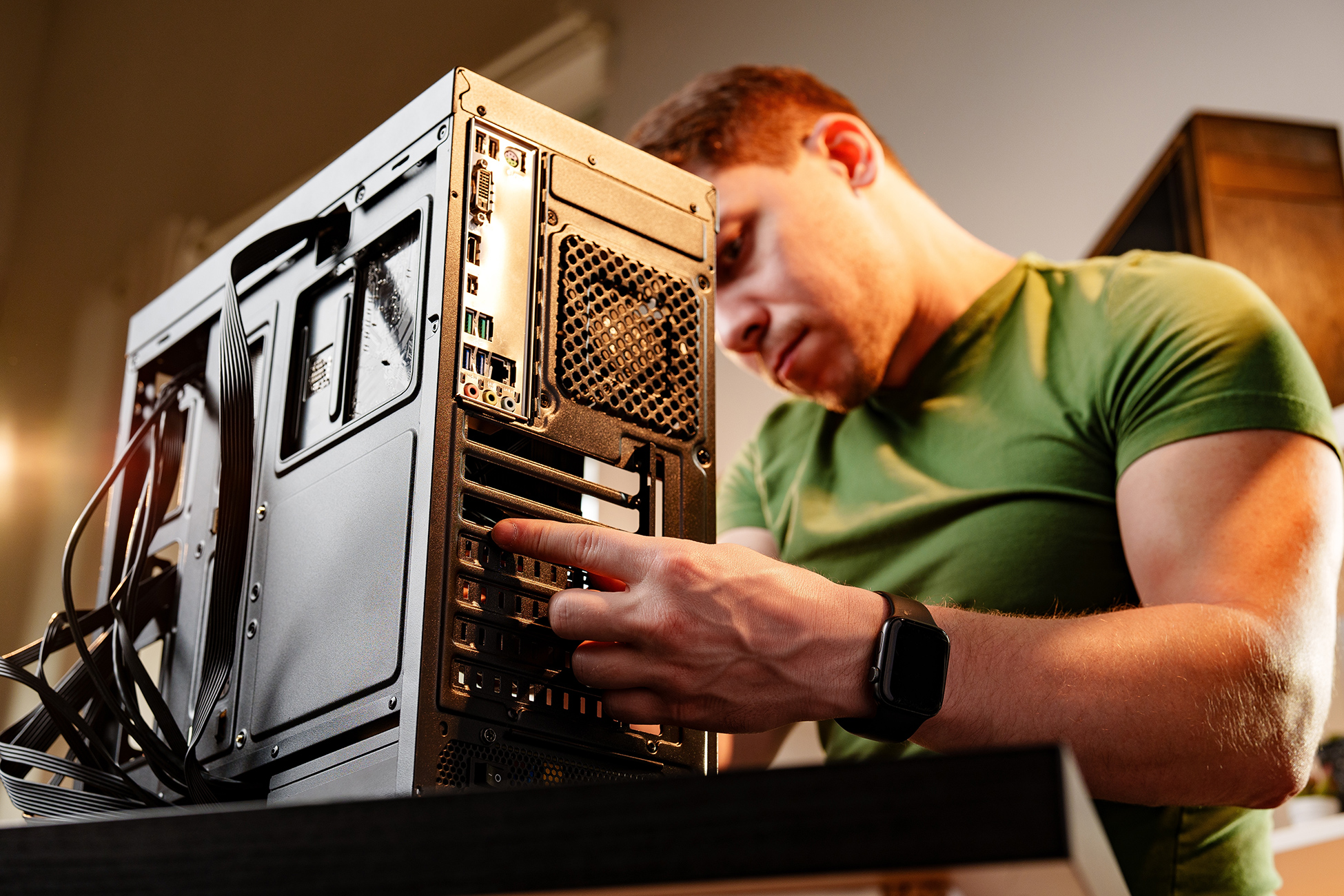
The publication recommended that personal computer owners first consider adding a secondary storage drive. The authors explained that all desktop computers and many laptops feature an available slot on their motherboard.
Users can also expand storage by using external SATA drives connected through USB interfaces with special adapters. Hard disk drives can be connected to a device using a similar method.
Storage expansion options
The report noted that low-profile flash drives are available on the market. Unlike standard flash drives, these feature compact bodies that do not interfere with active computer operation.
How-To Geek added that many laptops include built-in card readers for flash cards. The authors described flash cards as less reliable overall, but suitable for holding backup copies.
Separately, journalists at MakeUseOf reported at the end of July that several Android smartphone system functions consume significant built-in memory. They advised smartphone owners to turn off RAM Plus and delete the device event log.