

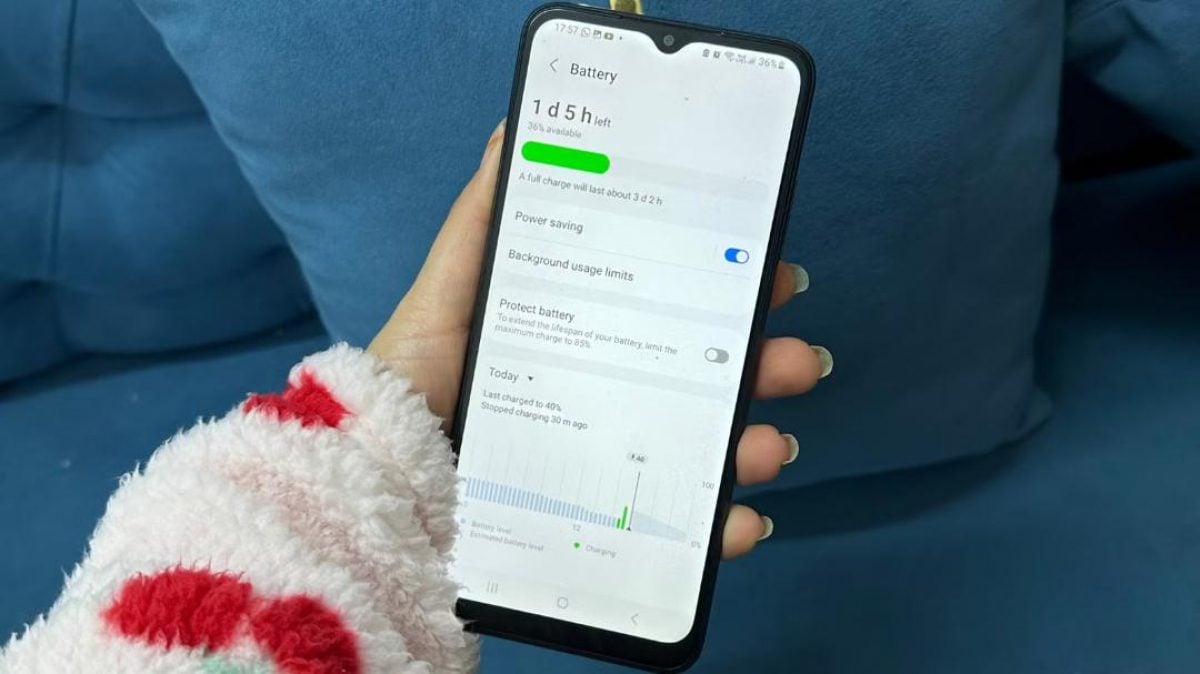
Android smartphone battery life can be extended by several hours after adjusting built-in operating system settings, according to testing by technology publication MakeUseOf.
Rapid battery drain is frequently caused by background system features rather than an aging battery component. Popular functions within Google Android continue to consume power even when a device is lying idle.
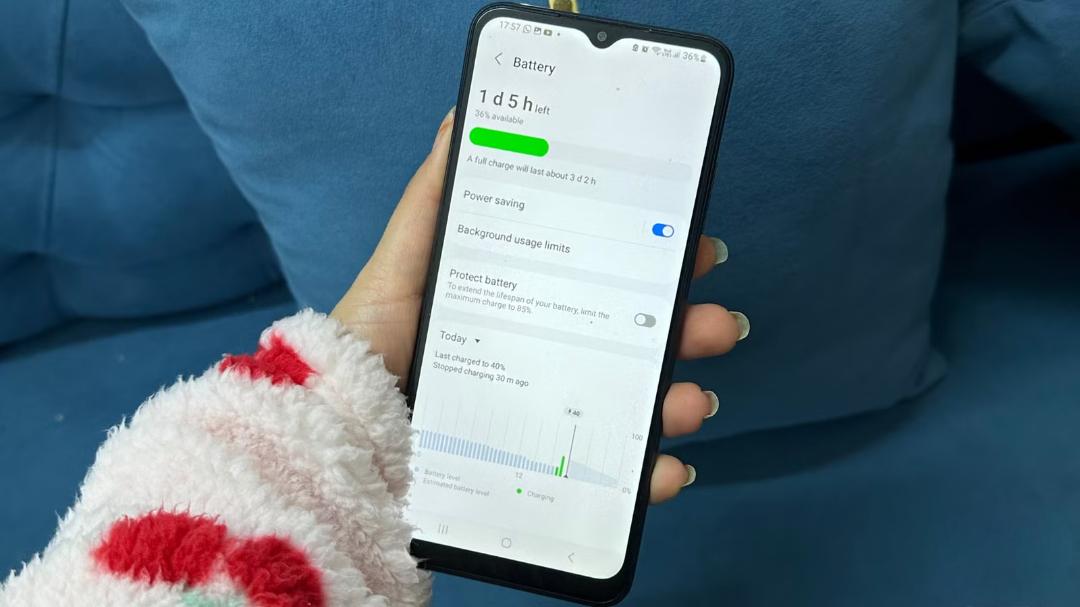
A writer for the tech outlet adjusted a group of default system options and reported gaining several hours of additional runtime per charge. The first setting disabled was Always-On Display, a feature that keeps the screen partially lit to show the time and notifications but requires continuous power.
The writer also lowered the screen refresh rate from 120 Hz to 60 Hz. Higher refresh rates render smoother animations and scrolling, but they demand significantly more energy from the device processor and display panel. During daily tasks such as web browsing, checking email, and reading social media feeds, the writer noted that the visual difference between the two modes was virtually imperceptible.
For smartphones supporting multiple screen resolution choices, the writer recommended switching from maximum Quad High Definition Plus (QHD+) down to Full High Definition Plus (Full HD+). Higher resolutions require the graphics processing unit to render more pixels, increasing energy consumption.
Screen timeout and background app control
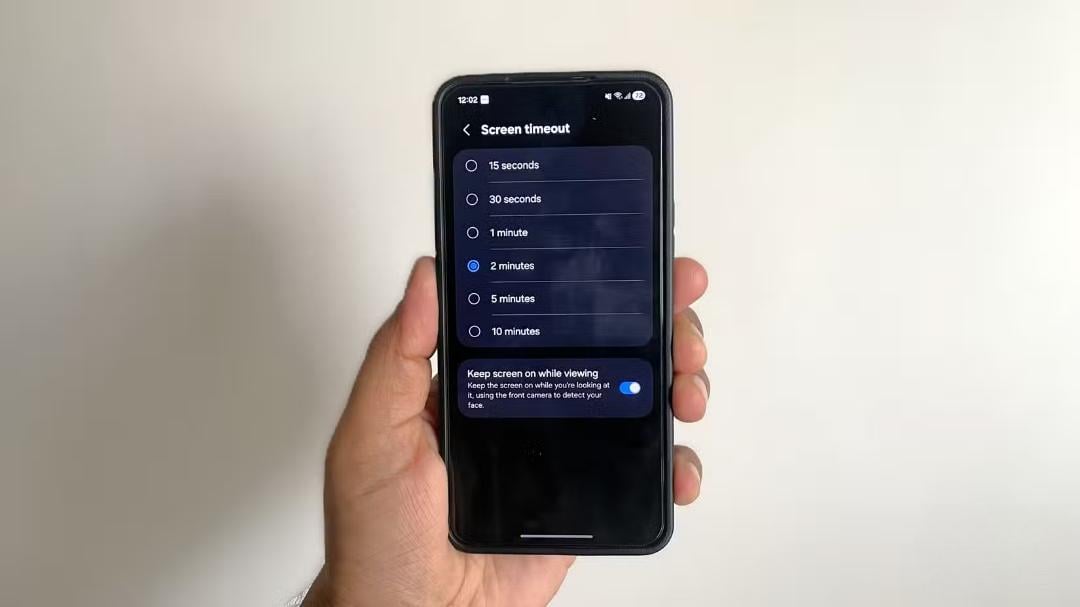
Shortening the automatic screen timeout duration provides another straightforward way to reduce power drain. If a phone is configured to turn off its display after two minutes, the screen remains illuminated after the user sets the device down. Repeated throughout the day, those extra minutes accumulate into significant energy loss. The tester reduced the screen timeout setting from two minutes to 30 seconds.
Background activity was also restricted for applications that do not require constant data synchronization. The restriction was applied primarily to rarely used programs and services that do not need to update content throughout the day.
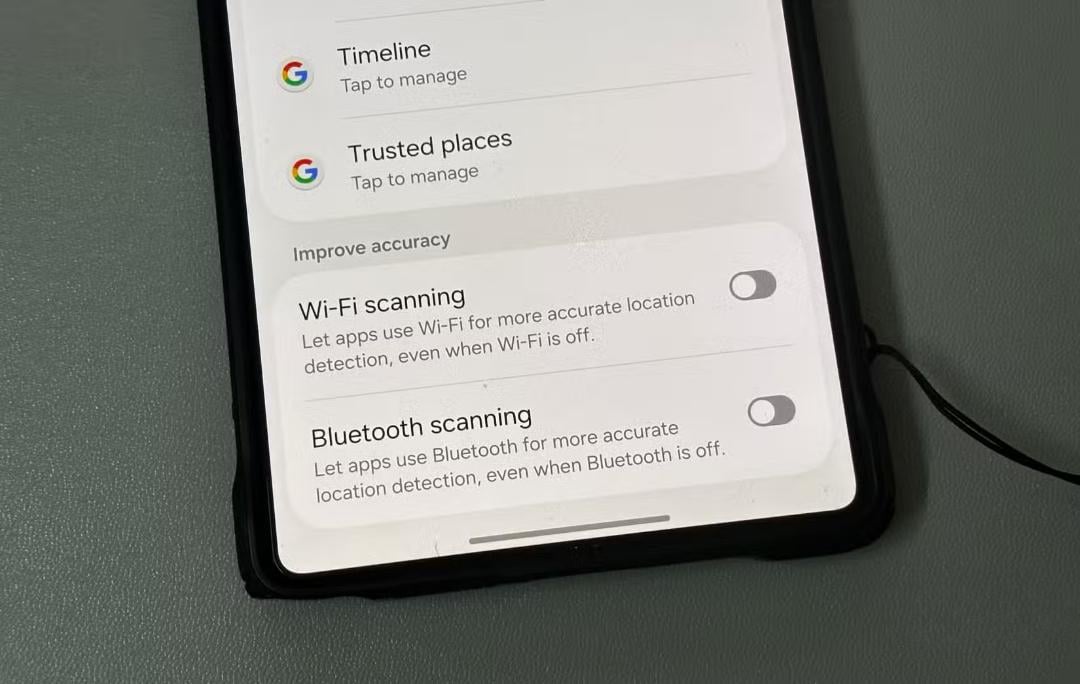
In addition, continuous background scanning for Wi-Fi and Bluetooth signals was switched off. The Android operating system is configured by default to search constantly for nearby wireless networks and devices even when Wi-Fi and Bluetooth are manually turned off in quick settings. This background search helps refine location accuracy, but it continuously draws power. Disabling location-based wireless scanning immediately added one full hour of battery life per day during testing.
App permissions and location tracking
A review of app permissions revealed that several installed applications held permanent access to precise GPS location data without any practical need. Precise tracking was replaced with approximate location data for weather and news services, while social media and online shopping applications were completely denied location access. Mobile operating systems also allow users to review and restrict background access to the microphone, camera, contacts, and local storage files.
The author emphasized that combining these adjustments yields the greatest improvement in daily battery endurance, rather than relying on any single setting alone. Any setting that creates inconvenience for the user can be changed back at any time.
Optimized charging and battery lifespan
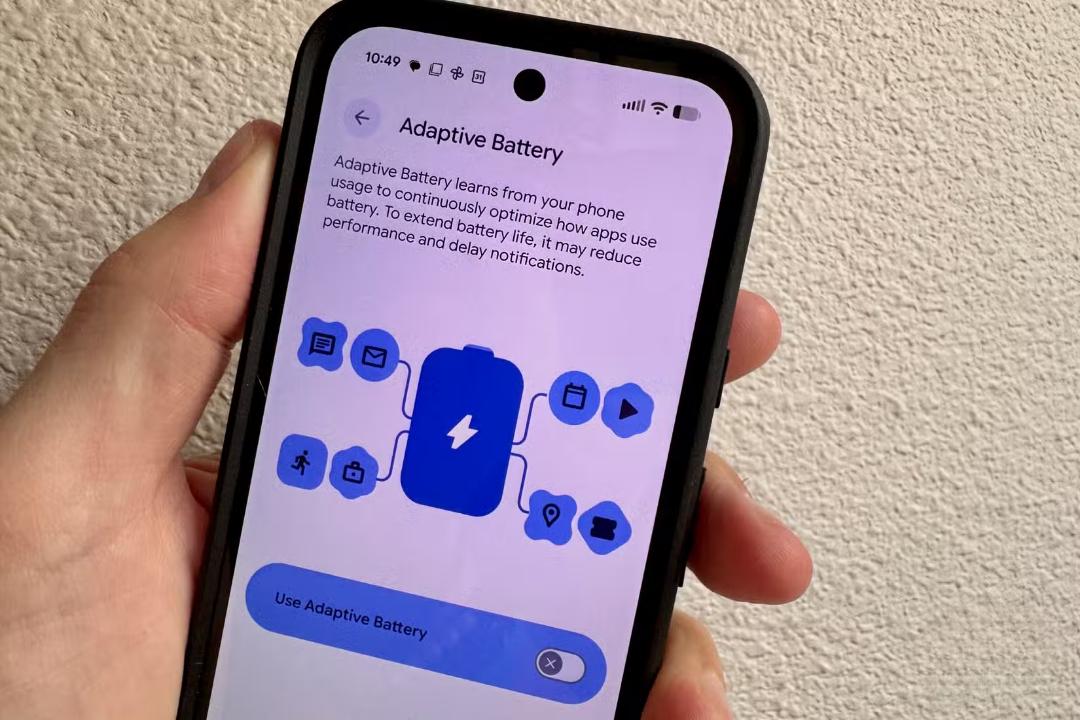
The Android operating system also includes adaptive or optimized charging features. Unlike daily battery-saving tweaks, adaptive charging is designed to prolong the total physical lifespan of the smartphone battery.
The feature analyzes daily charging routines and holds the battery charge level at roughly 80 percent, completing the final 20 percent of charging just before the user typically disconnects the charger. Resting at full charge creates chemical stress inside lithium-ion battery cells. Limiting time spent at 100 percent state of charge slows down battery wear over time.
The author noted that optimized charging is most useful for people who charge their smartphones overnight on a consistent schedule. For users with unpredictable charging habits, the feature may prove less convenient. Some phone manufacturers offer a hard charge limit setting instead, capping maximum charging at 85 percent or 90 percent.
Ukrainian news agency UNIAN, which reported the findings, noted that modern smartphones manage power differently than older devices. Previous advice against overnight charging is largely obsolete on modern hardware. UNIAN has also covered common charging myths, simultaneous wired and wireless charging tests, standby battery drain on competing iOS devices, smartphone reboot recommendations, and recent updates to Google Assistant and Android Auto hardware compatibility.


