

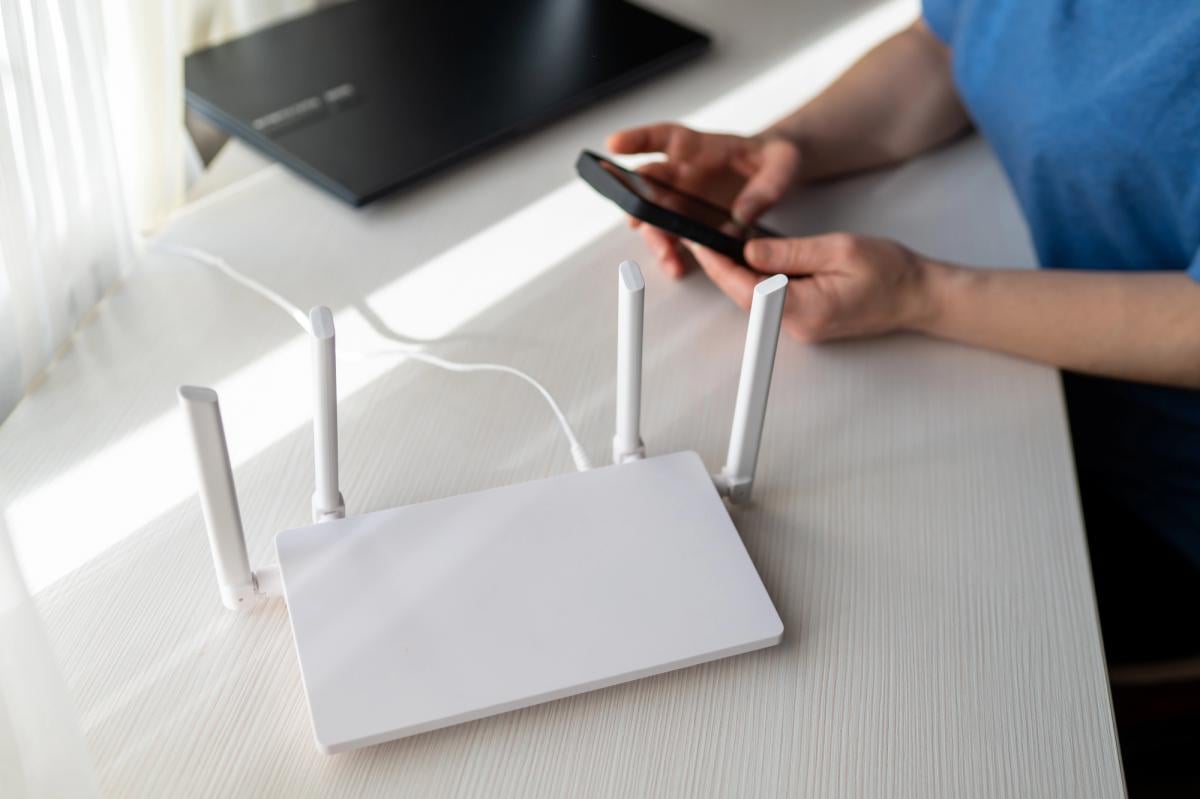
An unused Android smartphone can be repurposed as a free Wi-Fi signal booster to eliminate dead zones in home wireless networks without purchasing dedicated hardware.
Technology publication Engadget reported that the workaround relies entirely on the built in mobile hotspot capability present in Android operating systems, requiring no third party software downloads or technical expertise.
Home Wi-Fi dead zones typically occur when physical obstacles such as interior walls, metal appliances, or distance degrade radio frequency signals sent from a central wireless router. Repurposing an old smartphone addresses this issue by establishing a secondary wireless access point within the home.
The smartphone receives the primary Wi-Fi signal transmitted from the main router and rebroadcasts it through its built in hotspot feature. Laptops, tablets, smart televisions, and other household equipment can then connect directly to the smartphone to access the internet.
While this configuration does not transform an old handset into a full mesh networking system, it provides a simple and cost free method to eliminate weak Wi-Fi signals in a specific room.
Setting up an Android wireless hotspot
Preparing an Android handset to function as a Wi-Fi signal booster requires only a few minutes. Users must first select a working spare phone, charge its battery, and connect the handset to the main home Wi-Fi network.
To enable the sharing function, open the Settings menu, select Network and Internet, navigate to Hotspot and tethering, and switch on the Wi-Fi Hotspot option. On several versions of the Android operating system, this toggle button can also be accessed directly from the quick settings panel.
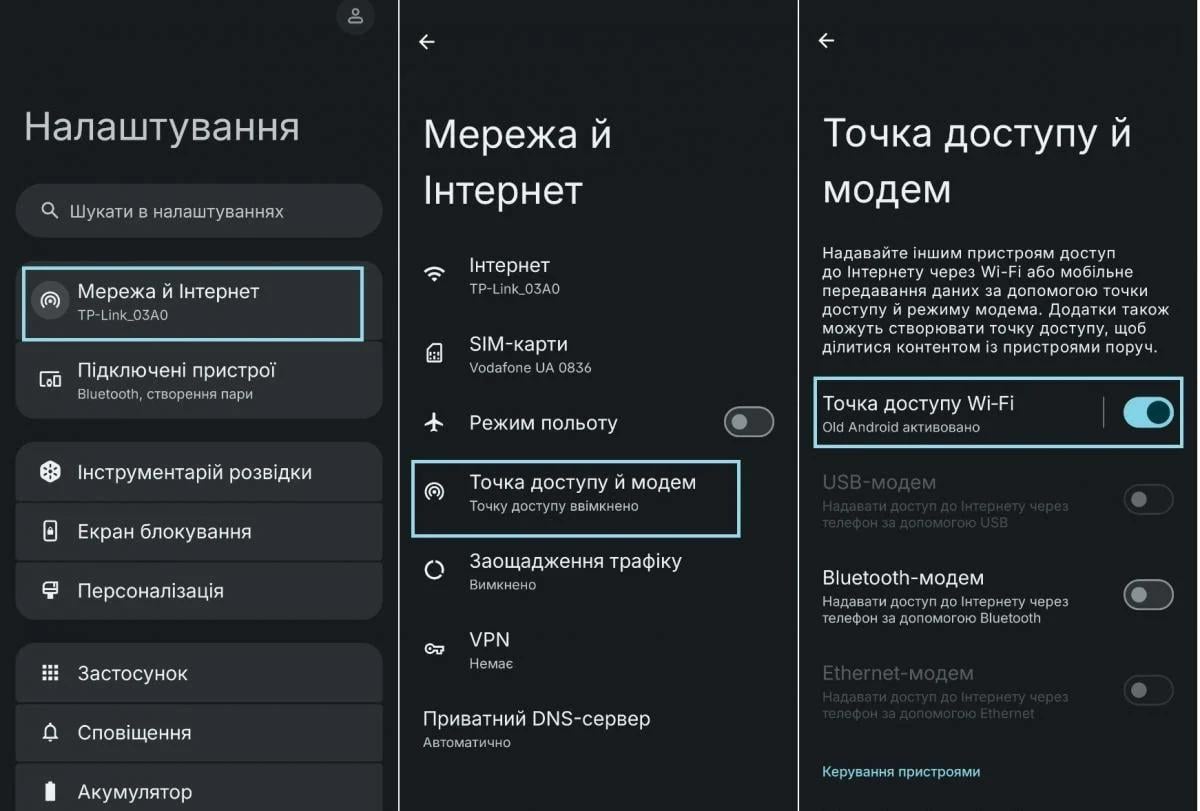
After activating the feature, users should open the hotspot settings to change the default network name and create a secure password. Setting new credentials protects the wireless connection against unauthorized users and allows household devices to distinguish the secondary network from the main router.
If the smartphone hardware supports the 5 GHz frequency band, users can select this option in the network speed or frequency band settings. The 5 GHz band offers higher performance and faster transfer speeds for nearby electronics, although its operational range is shorter than the standard 2.4 GHz frequency band.
Optimal placement and battery management
For maximum coverage efficiency, the smartphone should be placed roughly halfway between the primary router and the area experiencing poor signal reception.
Positioning the handset near an electrical wall outlet is strongly recommended. Running a continuous wireless hotspot places a high load on the processor and drains battery power rapidly. This battery depletion is particularly noticeable on older smartphones whose lithium ion batteries have lost part of their original energy capacity over time.
Key limitations and smart home issues
Although an Android smartphone expands Wi-Fi signal coverage, it cannot increase the speed of the underlying internet connection. If the incoming broadband service or router connection is slow, the secondary hotspot will not improve data transfer speeds.
Dedicated networking hardware, such as commercial Wi-Fi repeaters or specialized mesh nodes, will almost always deliver superior performance, stronger signal output, and longer range.
A further limitation involves compatibility with smart home systems. Dedicated Wi-Fi expanders frequently support smart home ecosystems and seamless roaming, allowing devices to transition between access points automatically. In contrast, an Android hotspot creates an independent Wi-Fi network, which may cause smart home hardware to connect unreliably or fail to function altogether.
Recent mobile tech updates and announcements
For households with a spare Android handset sitting in a drawer, testing the hotspot setup requires no additional expense and takes only two minutes. Related mobile maintenance guidance notes that adjusting a single setting can make the Android user interface noticeably more responsive, an optimization that yields clear results on budget and aging smartphones.
In broader mobile technology news, Apple confirmed that its next major product launch event is scheduled for September 9. The upcoming iPhone 18 Pro and iPhone 18 Pro Max models will feature a camera with a variable aperture for the first time, while the Dynamic Island display cutout will decrease in size by approximately 35 percent after moving the infrared projector beneath the screen glass.