

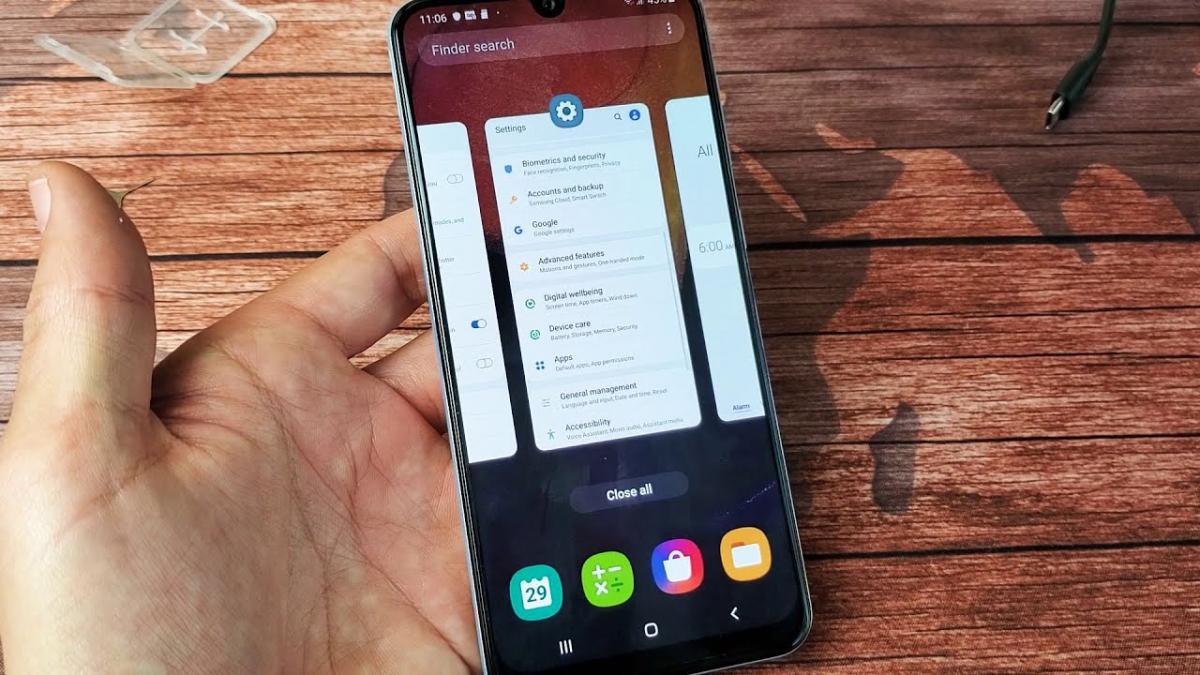
Many smartphone users habitually swipe away background apps, believing it speeds up their device and saves battery. According to a report from MakeUseOf, this habit actually does the opposite.
Modern operating systems are far smarter than most people realise, and manually closing apps interferes with that system, worsening performance, increasing energy consumption and forcing the phone to work harder than necessary.
What happens when you swipe an app closed
When a user swipes an app away from the recent apps menu, its process ends along with related background components. The RAM the app was using is freed up, which can look like a benefit at first glance.
But Android and iOS already manage available resources automatically, without any help from the user. The system puts unused apps and processes into a sleep state, freeing up resources for whatever app has been used most recently or is in use right now.
Constantly force-closing apps has another downside. Once an app is fully shut down, it has to launch again from scratch, which demands noticeably more computing power than simply waking it from sleep mode.
According to an editor at MakeUseOf, launching a fully closed app causes processor load to briefly spike to nearly 100 percent, compared with around 50 percent when reopening an app from standby. The exact figures vary depending on the specific phone's processor.
This not only drains the battery faster, MakeUseOf reported, but can also slow down app launches and make the device run hotter.
What to do instead of closing apps
Users most often force-close apps by swiping when they suspect an app is still running in the background instead of going to sleep. That does happen occasionally. Some social media apps, for example, can fail to load new content and then keep retrying in the background, causing the phone to heat up even inside a pocket while it tries to reach the servers.
However, MakeUseOf noted that such situations are uncommon, since Android and iOS monitor background processes themselves and typically shut down the ones that are no longer needed.
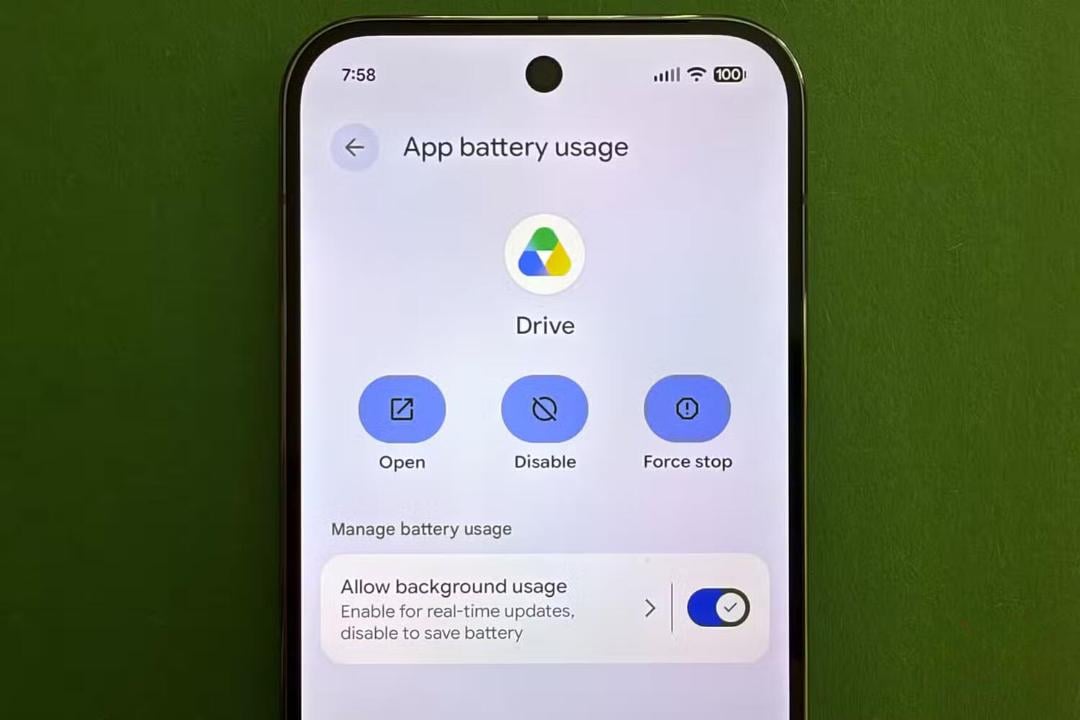
If a particular app really is draining too much battery in the background, its activity can be restricted manually. This is done by opening Settings, then Apps, selecting the app in question, then Battery, and turning off the option that allows background activity.
That restriction has an important drawback, according to the report: the app may start working incorrectly, and some notifications may stop arriving on time. For that reason, background restrictions should only be applied to apps that are genuinely causing problems.
When it is actually worth closing an app

On a modern Android phone with 8GB of RAM or more, there is usually no need to manage memory allocation manually, MakeUseOf said, since the system handles it automatically and often more efficiently than a user could.
There is one important exception. If an app has frozen, is lagging, has stopped responding or is malfunctioning, force-closing it can genuinely help. In that situation, swiping the app away forces the operating system to reload it, which often clears up temporary glitches.
For anyone in the habit of routinely closing apps otherwise, MakeUseOf suggested it is time to break that habit and simply let the phone manage the system on its own.


