

Apple announced iOS 27 mobile software for iPhone smartphones at its Worldwide Developers Conference in June 2026. The software is currently in public beta testing and is expected to become available to all users in autumn 2026 for iPhone 11 and newer models.
iOS is the mobile operating system for iPhone smartphones developed by Apple. The first version became available in 2007 alongside the original iPhone 1. Apple has released a new version of iOS every year since, introducing additions such as the App Store in 2008 and dark mode in 2019.
Until 2024, Apple named software versions using sequential numbers up to iOS 18. Beginning in 2025, Apple adopted a unified numbering system across all operating systems including macOS, iPadOS, watchOS, tvOS, and visionOS, matching the version number to the year of release. Under this system, iOS 26 immediately followed iOS 18.
iOS 27 is the latest annual update from Apple and will run on recent iPhone models. Apple expects around 200 improvements and updates in the software. Key features include faster application performance, an overhauled Siri voice assistant rebuilt as a full artificial intelligence assistant, updates to Photos, improved in-app search, and a refined Liquid Glass interface.
Public beta testing and expected release date
Apple released the first public beta version of iOS 27 on July 13, 2026. Developers began testing the software in early June 2026, and the July release allowed regular users without developer accounts to test updates.
The final public release of iOS 27 is expected in September 2026, potentially alongside the announcement of new iPhone models. Apple has not officially announced the date of its September presentation.
Analysts and journalists expect the event could take place on September 9, 2026. Apple typically holds autumn presentations on weekdays during the first half of September and sends invitations to journalists one or two weeks in advance. The second week of September is considered the most likely window. Because Labor Day in the United States falls on Monday, September 7, 2026, analysts believe Apple will hold the event on Tuesday, September 9. Another version suggests the presentation could take place on Monday, September 14, 2026.
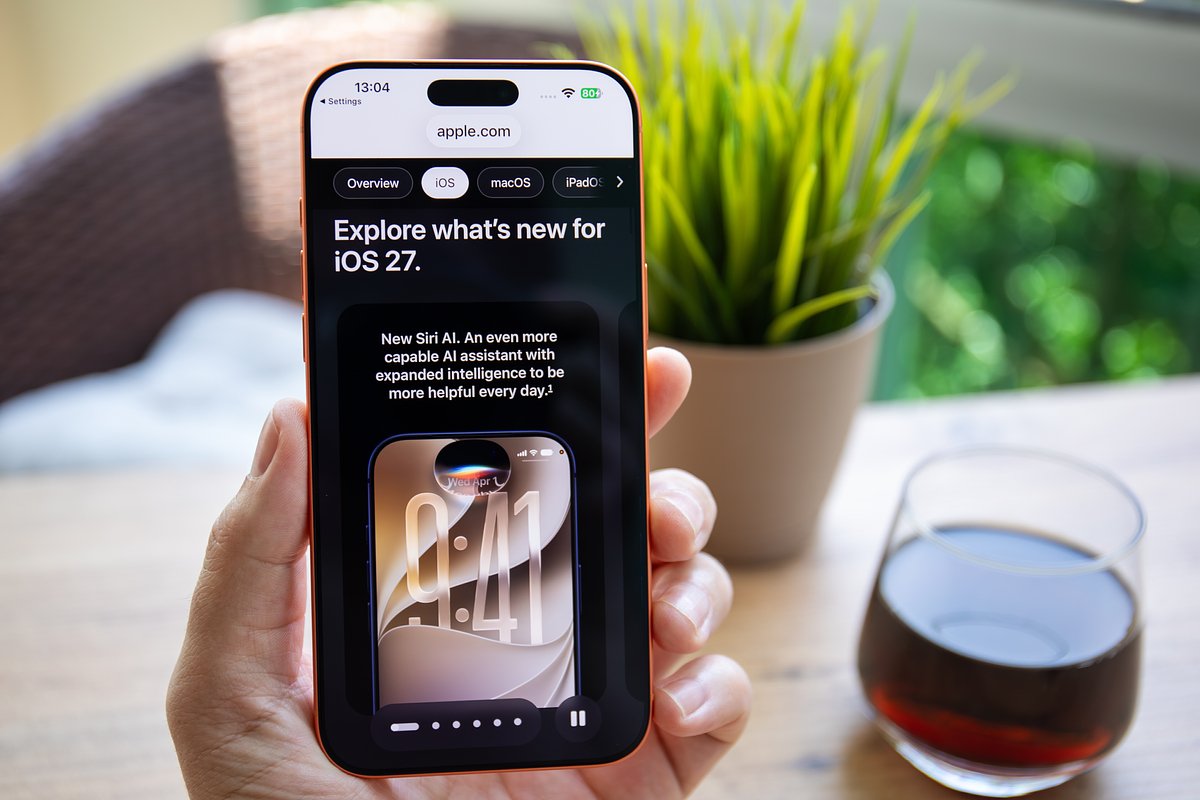
Supported iPhone hardware models
iOS 27 will support the following iPhone models:
- iPhone 11, iPhone 11 Pro, and iPhone 11 Pro Max
- iPhone 12, iPhone 12 mini, iPhone 12 Pro, and iPhone 12 Pro Max
- iPhone 13, iPhone 13 mini, iPhone 13 Pro, and iPhone 13 Pro Max
- iPhone 14, iPhone 14 Plus, iPhone 14 Pro, and iPhone 14 Pro Max
- iPhone 15, iPhone 15 Plus, iPhone 15 Pro, and iPhone 15 Pro Max
- iPhone 16, iPhone 16e, iPhone 16 Plus, iPhone 16 Pro, and iPhone 16 Pro Max
- iPhone 17, iPhone 17e, iPhone 17 Air, iPhone 17 Pro, and iPhone 17 Pro Max
- iPhone SE second generation and third generation
The system will also be available on the iPhone 18 and a foldable iPhone model, both scheduled for unveiling in September. The upgraded Siri feature will be restricted to iPhone 15 Pro and newer devices, while other supported models will receive system performance acceleration, redesigns, and general improvements.
System features and expanded capabilities
The software update includes updates across several key areas of the operating system:
- Siri AI
- Apple Intelligence
- Parental controls
- Interface design
- Relevant search in Mail, matching exact keywords rather than sorting by date
- Clearer terrain detail in Maps
- Fine tuning controls for AirPods to adjust low, mid, and high frequencies separately
Upgraded Siri AI assistant
The largest update in iOS 27 involves Siri, now named Siri AI. Rebuilt on Apple Intelligence and Google Gemini generative models, Siri AI functions as a deeply integrated artificial intelligence assistant.
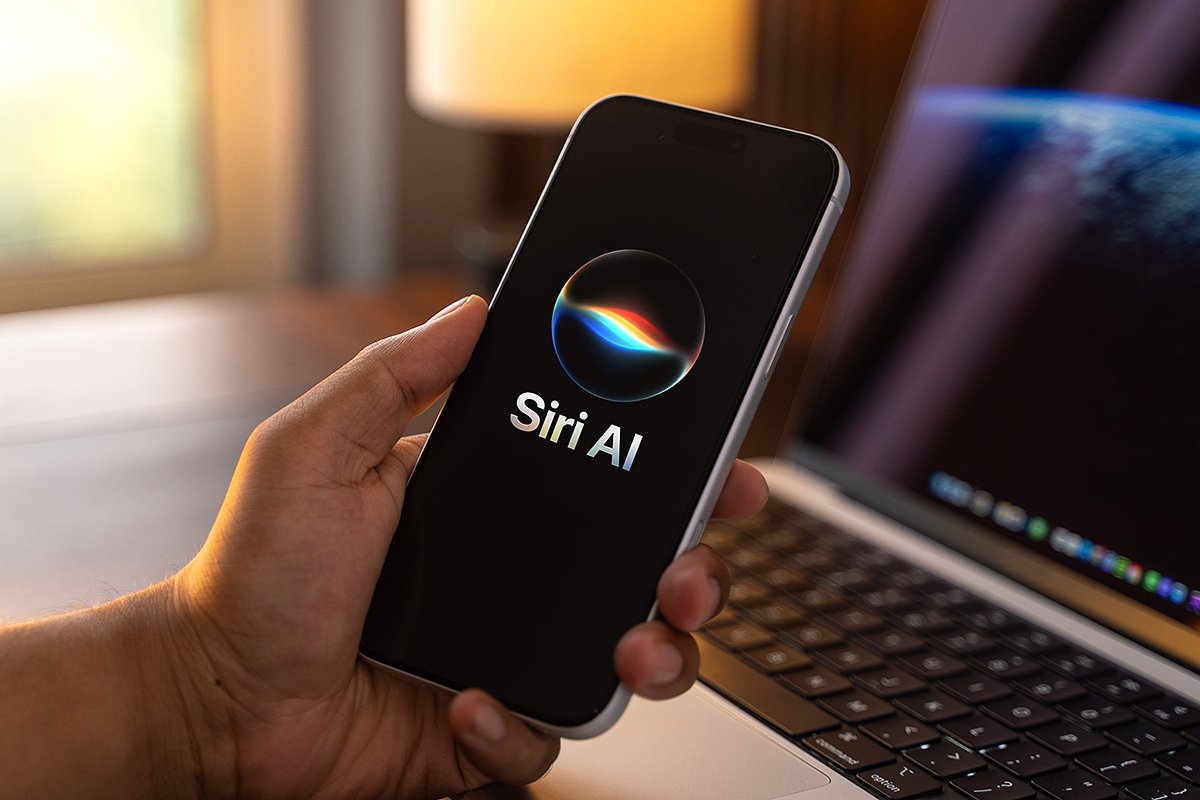
Users can interact with Siri AI to perform multiple tasks on the device:
- Type text and search for files, messages, and phone data
- Write messages and emails using voice features that mimic the user's communication style
- Receive feedback on drafted notes and written emails
- Perform actions in applications, including adding reminders, making phone calls, typing text messages, and searching music
- Identify physical objects in photos similar to smart camera modes in web browsers
- Conduct general conversational dialogue
Siri AI features individual topic threads similar to interfaces in ChatGPT or DeepSeek. Each thread allows discussion of a specific subject, and conversations synchronize across all devices linked to the same Apple ID. Users can also customize the assistant's voice timbre, expressiveness, speech tempo, and accent.
Apple Intelligence features and app tools
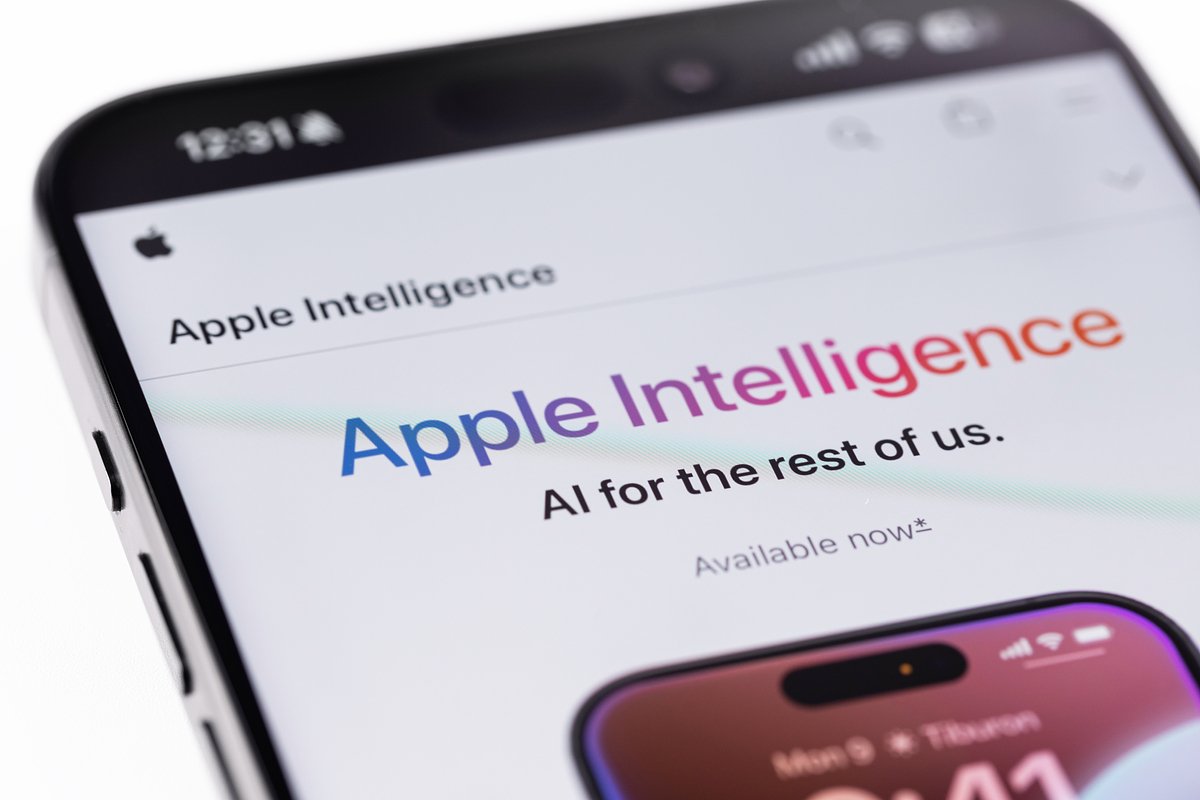
Apple Intelligence introduces expanded artificial intelligence capabilities integrated across system applications. Intelligent photo processing allows users to crop photos after shooting, adjust camera angles, change head positions, and remove unwanted objects from images, alongside a photo quality expansion feature.
The Image Playground application, originally launched with iOS 18, allows users to generate higher quality images and edit generated artwork. A message and email editing feature provides contextual suggestions, such as adding events mentioned in text directly to Calendar or creating reminders from requests in messages. This feature will initially launch for English language conversations.
In the standard Safari browser, tab management automatically groups tabs by context and topic, such as combining movie search tabs into a dedicated folder. The new Safari Notify Me feature tracks changes on web pages in the background and sends push notifications for price updates, ticket sales, or registration openings for events and flights.
In the Passwords application, users can edit passcodes with a single touch. The system alerts users to weak or stolen credentials via notifications and offers to update passwords to stronger versions. An updated task planner executes multi step actions based on triggers, such as automatically sending a text message to a family member when the device detects the user leaving work.
Expanded parental control settings
Apple developers updated parental controls in iOS 27 to allow parents to manage and approve online activities for children when both use iPhone devices.
Parents can control access through specific system tools:
- System applications: Parents select which standard Apple applications are accessible on a child's device, such as enabling text messaging, calls, maps, and calculator while restricting camera access and system settings.
- Websites: A Request to View feature requires children to ask parental permission before accessing new websites, giving parents the opportunity to review web content before granting access.
- Application limits: Time limits can be applied to entire service categories rather than individual applications, such as setting a one-hour daily limit across all entertainment platforms. The feature includes age-specific recommendations created with child development specialists, adjustable time limits, and daily schedules such as increased gaming allowances on weekends.
Design updates and performance gains
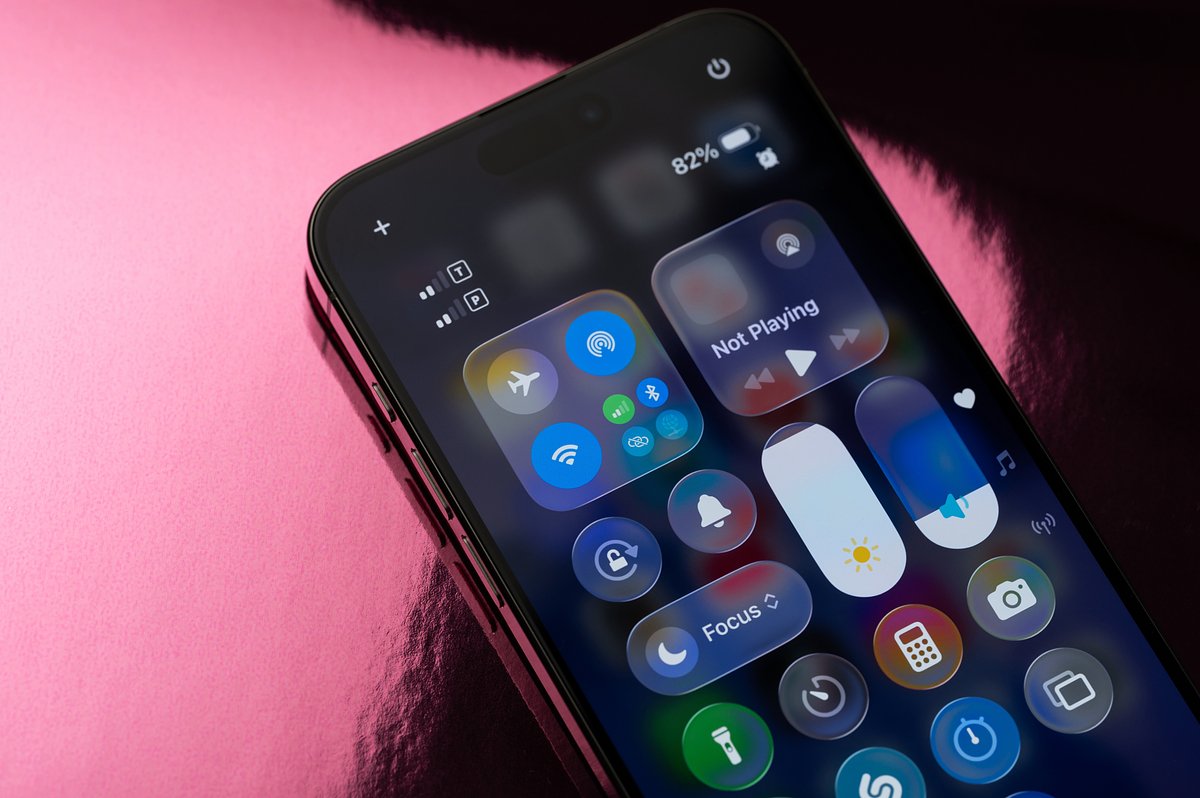
iOS 27 includes design refinements for the Liquid Glass interface originally introduced in 2025. Developers enhanced visual contrast, sharpened application icons, and added a transparency adjustment slider for user customization.
Performance improvements across the system increase application operating speed. Application loading speeds increase by 30 percent, new photo loading improves by 70 percent, and AirDrop data transfers operate 80 percent faster. System connectivity speeds for Wi-Fi and cellular networks are also increased.